
gemini-3
Gemini 3 thinking_level: स्पीड, कॉस्ट और क्वालिटी का संतुलन
Gemini3 Team · 7 अगस्त 2026 · 8 min read
Keywords: gemini 3 thinking level hindi, api cost optimization, midassai chat guide
Published: 7 अगस्त 2026 Author: Gemini3 Team
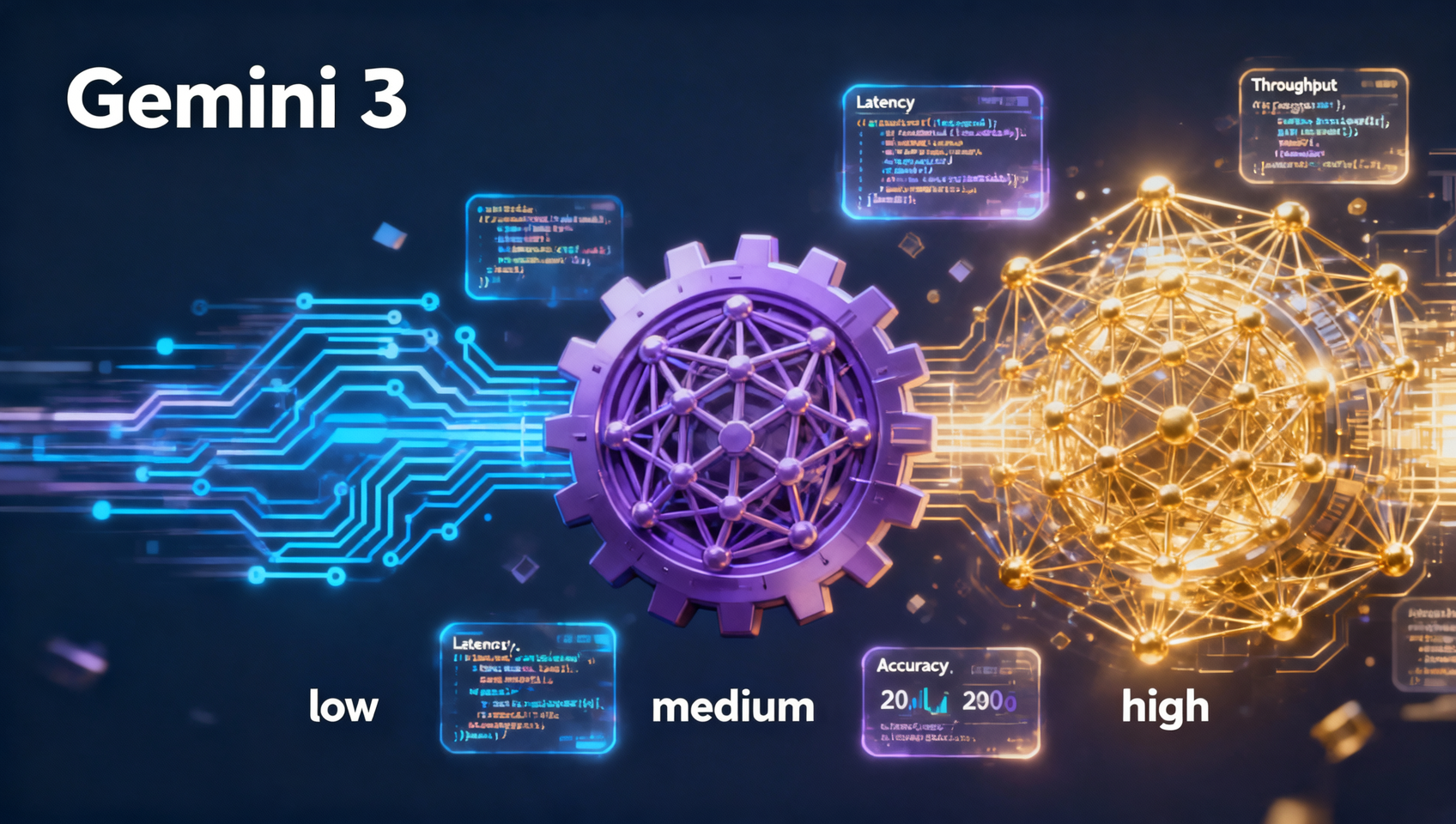
Understanding the Thinking Level Parameter
जब generative AI को production workflows में integrate किया जाता है, तो default settings कम ही किसी specific business constraint से मिलती हैं। Gemini 3 एक महत्वपूर्ण configuration parameter पेश करता है: thinking_level। यह सेटिंग डेवलपर्स और product managers को यह dictating करने की अनुमति देती है कि response generate करने से पहले model कितना computational effort reasoning पर खर्च करे। यह केवल एक quality slider नहीं है; यह latency और token consumption को control करने का direct lever है।
कई teams गalti से इस parameter को default पर ही छोड़ देती हैं, अक्सर MEDIUM पर, task की परवाह किए बिना। इससे simple queries के लिए unnecessary costs होते हैं या complex logical problems के लिए insufficient reasoning होता है। LOW, MEDIUM, और HIGH के बीच के trade-offs को समझना user experience और operational budget दोनों को optimize करने के लिए essential है। यह गाइड इन levels को concrete use cases से map करता है और दिखाता है कि इन्हें effectively कैसे implement करें।
Who This Is For
यह विश्लेषण technical leads, backend developers, और product owners के लिए तैयार किया गया है जो API या interface के माध्यम से Gemini 3 models को deploy कर रहे हैं। यदि आप customer support bots, data extraction pipelines, या creative assistants बना रहे हैं, तो आपको यह जानने की आवश्यकता है कि कब depth पर speed को प्राथमिकता देनी है। यह उन non-technical users के लिए भी प्रासंगिक है जो यह समझना चाहते हैं कि MidassAI Chat जैसे platforms पर certain queries को process होने में अधिक समय क्यों लगता है। यदि आप API costs manage कर रहे हैं या end-users के लिए response latency कम करने की कोशिश कर रहे हैं, तो thinking level को adjust करना आपका first optimization step है।
Breaking Down LOW, MEDIUM, and HIGH
thinking_level parameter मूल रूप से model की internal processing chain को बदल देता है। यह निर्धारित करता है कि output token के लिए commit होने से पहले model कितने reasoning steps लेता है।
LOW: Speed and Efficiency
thinking_level को LOW पर set करने से model को immediate token generation को prioritize करने का निर्देश मिलता है। Model extended chain-of-thought processes को skip करता है और pattern matching और direct retrieval पर reliance करता है। यह high-throughput scenarios के लिए ideal है जहां latency primary KPI है।
- Best Use Cases: Simple classification, sentiment analysis, basic entity extraction, या greeting responses。
- Pitfall: Math या logic puzzles के लिए
LOWका उपयोग अक्सर hallucinations या incorrect reasoning का परिणाम देता है क्योंकि model अपने steps को verify करने के लिए "pause" नहीं करता है。 - Cost Impact: Lowest token consumption और fastest time-to-first-token。
MEDIUM: The Balanced Default
MEDIUM general-purpose assistants के लिए standard configuration है। यह model को significant delay के बिना moderate reasoning में engage करने की अनुमति देता है। यह conversational होने और accurate होने के बीच संतुलन बनाता है。
- Best Use Cases: General customer support, medium-length documents का summarization, और standard functions के लिए code completion。
- Pitfall: यह अभी भी multi-step logical constraints या highly specialized domain knowledge के साथ struggle कर सकता है जिसके लिए deep deduction की आवश्यकता होती है。
- Cost Impact: Moderate। आप extra reasoning tokens के लिए भुगतान करते हैं, लेकिन latency interactive chat के लिए acceptable रहती है。
HIGH: Deep Reasoning and Accuracy
जब इसे HIGH पर set किया जाता है, तो model extensive internal monologue और verification steps में engage होता है। यह answer देने से पहले complex problems को sub-tasks में break down करता है। यह उन tasks के लिए necessary है जहां accuracy non-negotiable है。
- Best Use Cases: Complex coding architecture, legal contract analysis, mathematical problem solving, और strategic planning。
- Pitfall: Latency significantly बढ़ जाती है। यदि interface processing status indicate नहीं करता है, तो users system को "hung" perceive कर सकते हैं。
- Cost Impact: Highest। Internal reasoning tokens आपकी usage में count होते हैं, जिससे प्रति query cost बढ़ जाती है。
{"headers":["Feature","Benefit"],["rows":[["Speed","Faster creation"],["Quality","Studio-grade output"]]}Implementation via API
इन levels को implement करने के लिए आपके API request body में explicit parameter passing की आवश्यकता होती है। नीचे एक representative snippet दिया गया है जो standard POST request में thinking level को configure करने का तरीका दिखाता है。
POST /v1/models/gemini-3:generate
{
  "prompt": "Analyze this dataset for anomalies.",
  "thinking_level": "HIGH",
  "temperature": 0.2
}
जब thinking_level को HIGH पर set करते हैं, तो आपको temperature को कम करने पर भी विचार करना चाहिए। High reasoning के साथ high randomness inconsistent logical paths का कारण बन सकता है। इसके विपरीत, creative tasks में LOW thinking levels के लिए, आप variety को encourage करने के लिए temperature बढ़ा सकते हैं, क्योंकि reasoning overhead minimal होता है。
Developers को विशेष रूप से HIGH thinking levels के लिए retry logic implement करना चाहिए। क्योंकि ये requests अधिक समय लेती हैं, ये gateway timeouts के लिए अधिक susceptible होती हैं। premature connection drops को रोकने के लिए अपने HTTP client में appropriate timeout thresholds set करना critical है。
The MidassAI Chat Advantage
जहां API integration granular control प्रदान करता है, वहीं keys manage करने, rate limits handle करने, और different parameters को test करने के लिए interfaces build करने में development overhead की आवश्यकता होती है। यहीं पर MidassAI Chat immediate value प्रदान करता है। आप एक भी line of code लिखे बिना different thinking levels को test कर सकते हैं。
MidassAI Chat पर, interface complexity को abstract करता है जबकि आपको Gemini 3 की power देता है। आप यह देखने के लिए modes के बीच switch कर सकते हैं कि same prompt different constraints के तहत कैसे perform करता है। यह prompt engineering के लिए particularly useful है। आपको लग सकता है कि MEDIUM thinking level पर एक well-structured prompt, HIGH पर एक vague prompt से बेहतर perform करता है। Chat interface में prompts पर iterating करने से आपको API implementation के लिए commit होने से पहले sweet spot खोजने में मदद मिलती है。
इसके अलावा, MidassAI Chat infrastructure scaling को handle करता है। यदि आप HIGH thinking levels के साथ batch job run करते हैं, तो platform concurrency limits को manage करता है। workflows को validate करने वाली teams के लिए, chat interface में शुरू करने से time-to-insight significantly कम हो जाता है। आप backend integration में invest करने से पहले output quality को verify कर सकते हैं。
त्वरित सारांश
Making the Choice
सही thinking level का चयन एक one-time decision नहीं है; यह user intent के आधार पर dynamic होना चाहिए। उदाहरण के लिए, एक customer support bot initial greetings और triage के लिए LOW को default कर सकता है। यदि user frustration indicate करता है या एक complex technical question पूछता है, तो system अगले turn के लिए context को HIGH thinking level process में escalate कर सकता है。
यह dynamic approach user experience को sacrifice किए बिना costs को optimize करता है। आप simple "Hello" messages पर deep reasoning के लिए भुगतान करने से बचते हैं जबकि यह ensure करते हैं कि complex issues को उनकी आवश्यकता अनुसार attention मिले। अपने usage logs को monitor करना essential है। यदि आपको high latency complaints दिखती हैं, तो check करें कि क्या बहुत सारी requests HIGH पर pinned हैं। यदि आपको logic tasks में accuracy drops दिखती हैं, तो verify करें कि वे LOW पर stuck नहीं हैं。
Optimization एक iterative process है। MEDIUM को अपने baseline के रूप में start करें। अपने completions की success rate को measure करें। यदि tasks reasoning की कमी के कारण fail हो रहे हैं, तो HIGH पर shift करें। यदि tasks succeed हो रहे हैं लेकिन latency बहुत high है, तो prompt को refine करने का प्रयास करें ताकि यह LOW या MEDIUM के साथ work कर सके。
बिना environment set up किए इन trade-offs को action में देखने के लिए, आपको MidassAI Chat पर अपने workflows को run करके देखना चाहिए। यह deployment से पहले speed और quality के बारे में अपनी assumptions को validate करने के लिए needed sandbox प्रदान करता है。
Final Thoughts
thinking_level parameter Gemini 3 toolkit में सबसे powerful tools में से एक है। यह cost और performance के control को सीधे आपके हाथों में देता है। setting को task complexity से match करके, आप अधिक efficient और reliable AI applications build करते हैं। चाहे आप API के माध्यम से coding कर रहे हों या chat interface में prototyping कर रहे हों, इन levels को समझना यह ensure करता है कि आपको model से सबसे अधिक value मिले。
क्या आप अपने AI workflows को optimize करने के लिए तैयार हैं? आज ही different thinking levels के साथ experiment करने के लिए MidassAI Chat पर Gemini 3 आज़माएं।